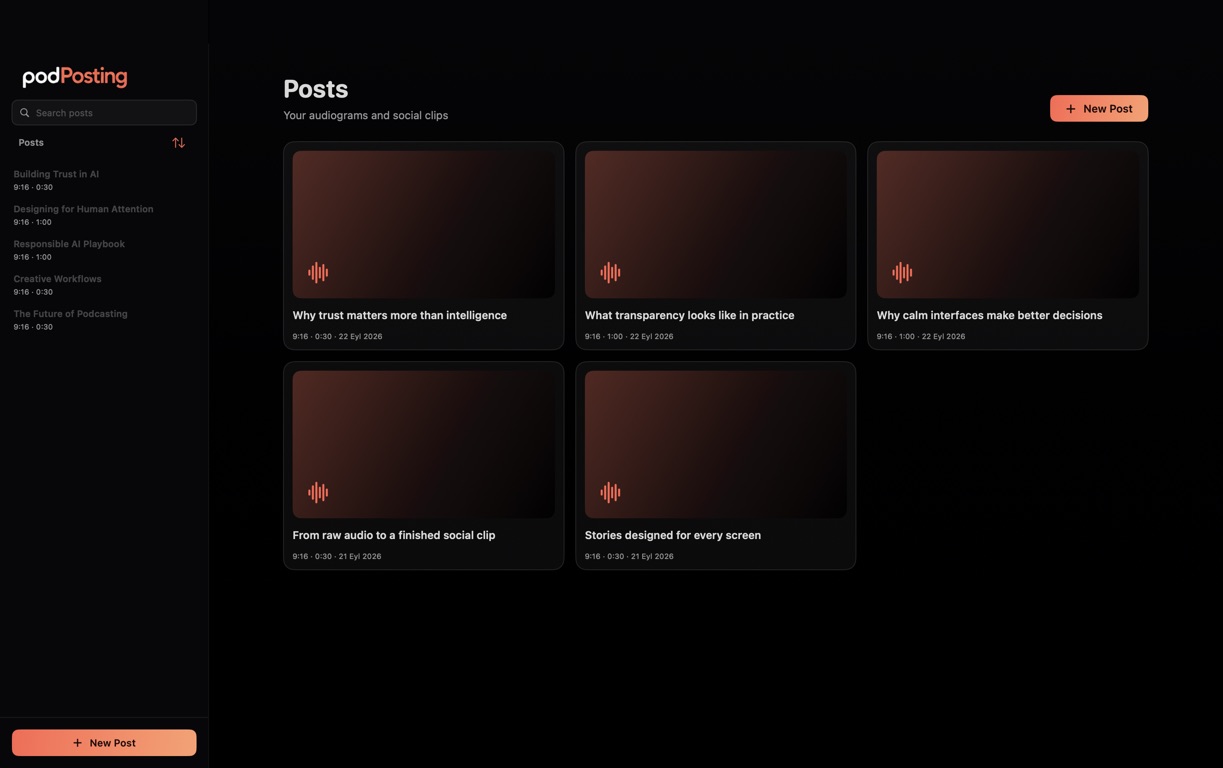
A home for every post.
A podcast video workspace for every idea.
Your projects save automatically in a searchable library. Start from scratch or import public podcast information, then return whenever inspiration strikes.

PODPOSTING STUDIO · MAC
Create captioned podcast videos and audiograms in one Mac workspace.
Pay once. Create forever. No subscription.
A separate app, built for Mac. Meet PodPosting.
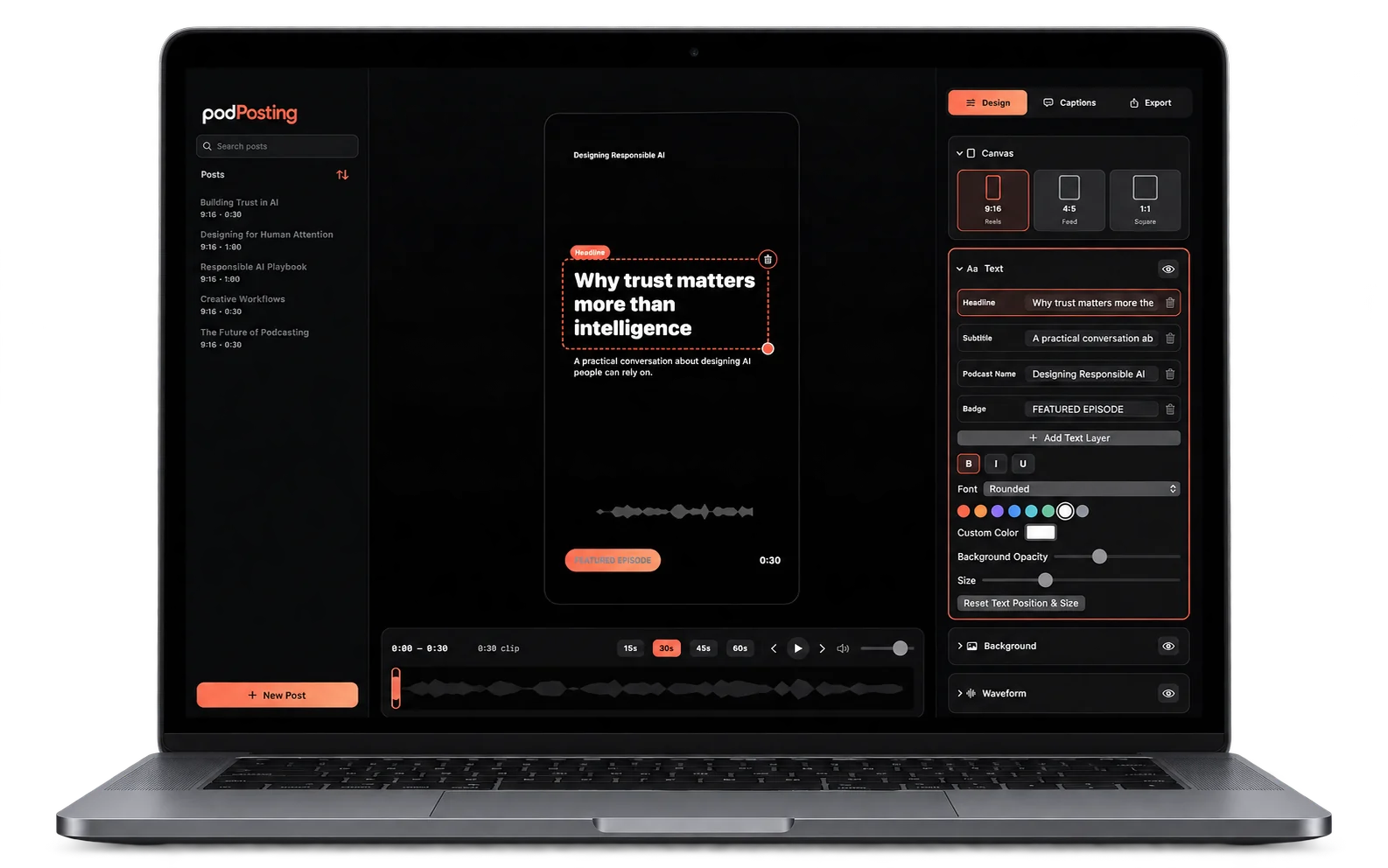
A home for every post.
Your projects save automatically in a searchable library. Start from scratch or import public podcast information, then return whenever inspiration strikes.
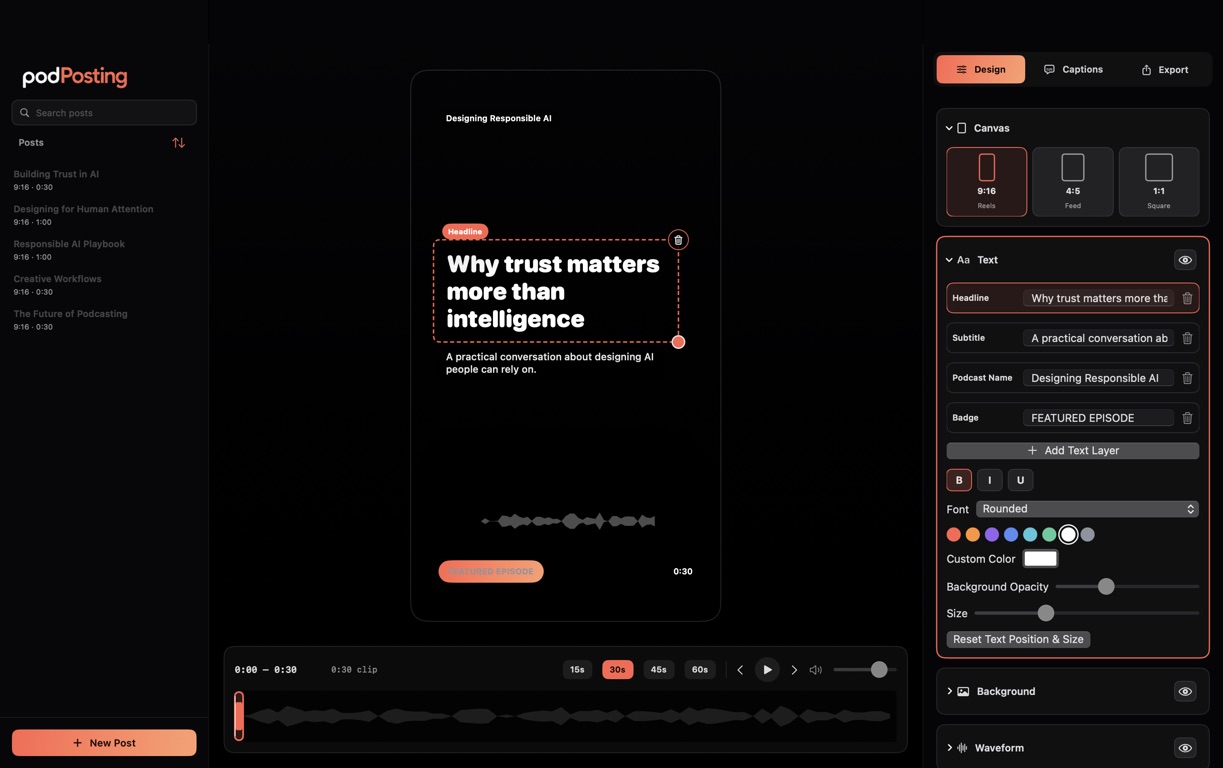
Design on a bigger canvas.
Move and resize text, images, and audio-reactive waveforms directly on the canvas. Create vertical, feed, or square audiograms in 9:16, 4:5, or 1:1.
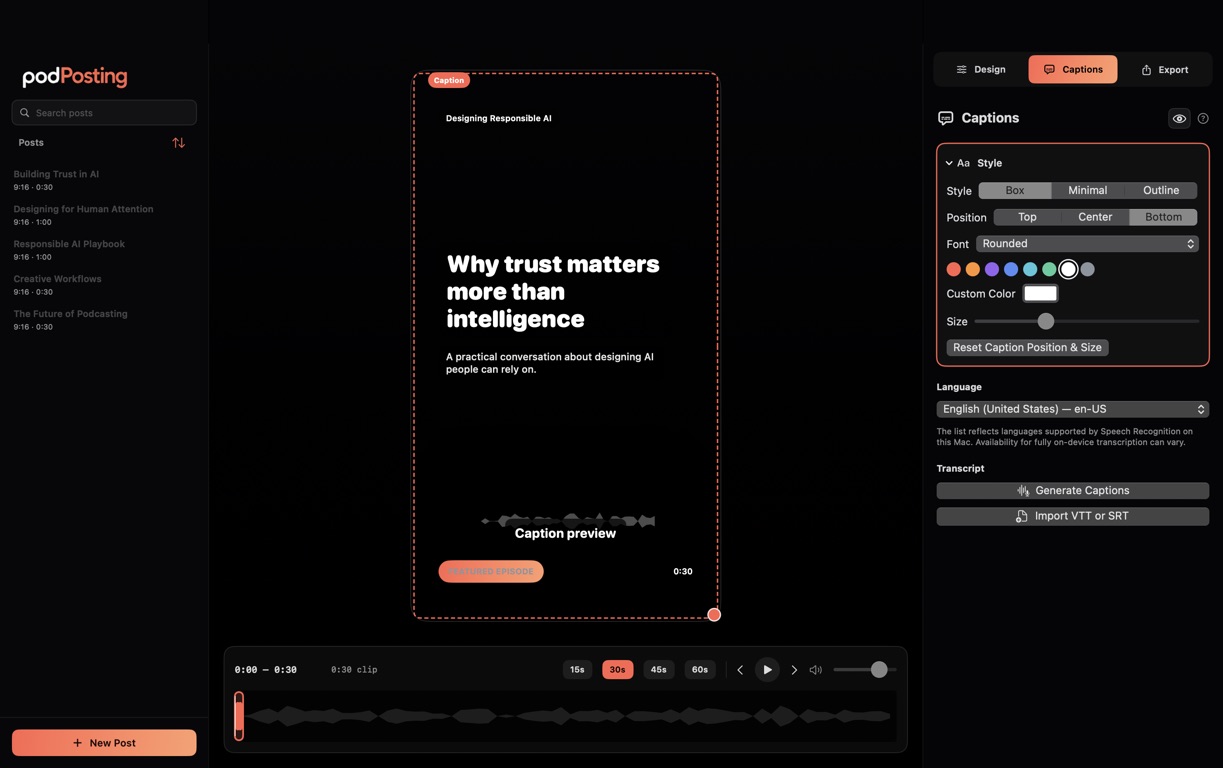
Put the words on screen.
Generate captions with speech recognition on your Mac. Correct each segment, adjust its timing, save alternative caption sets, or import SRT and VTT files.
A one-time purchase for the app you choose. No recurring fees.
PodPosting and PodPosting Studio are sold separately on the App Store.
PodPosting Studio is the dedicated Mac app. Explore PodPosting for iOS