Choose a moment.
Make it a post.

Create podcast audiograms and social video clips from your audio.
PodPosting for iOS. PodPosting Studio for Mac.

Pay once. Create forever. No subscription.

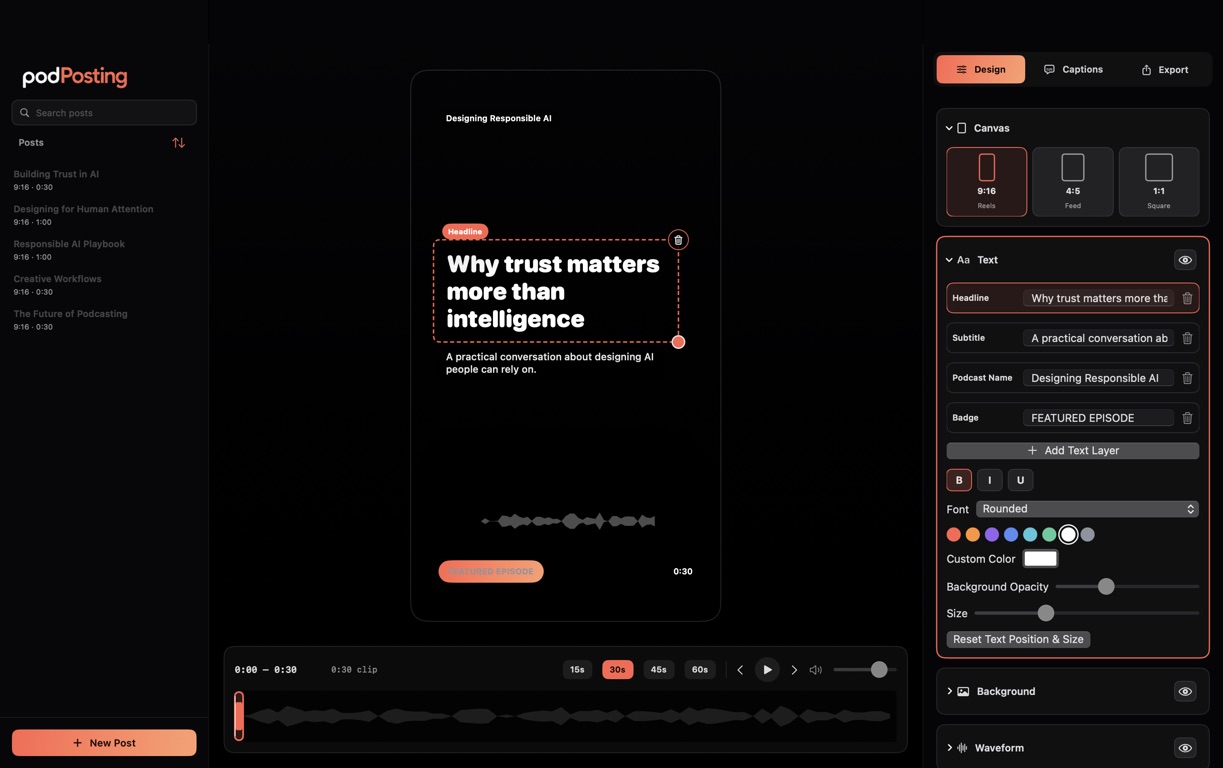
PodPosting Studio · Design workspaceMade for Mac
PodPosting Studio on Mac: a video post preview with text, format, and waveform controls

Made for your moments

Create podcast audiograms for every feed.

Let your sound move.

Audio-reactive waveforms bring your clip to life. Choose a style and make it part of your design.

Fit the feed.

9:16 for Reels, TikTok, and Shorts. 4:5 for feeds. 1:1 for square posts.

Your content stays yours.

Create on your Apple device. Neither app collects your data.

Pay once. Create forever.

A one-time purchase for the app you choose. No recurring fees.

PodPosting and PodPosting Studio are sold separately on the App Store.

One idea. Two ways to create.

PodPosting and PodPosting Studio are separate apps.
Each has its own editing experience.

PodPosting · iPhone & iPad

Your next post.
In your pocket.

Pick the moment. Give it your look.
Share it from your phone.
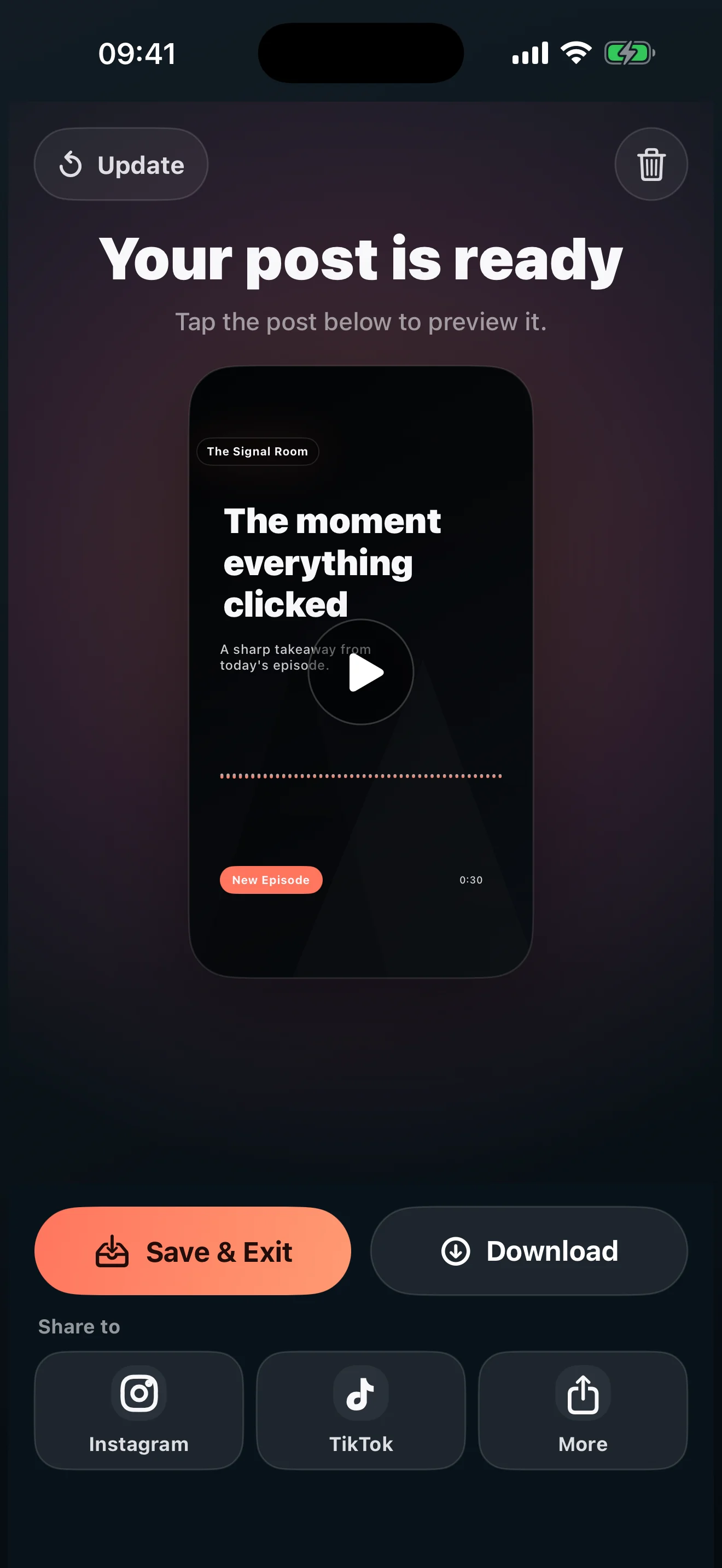
  • Start with your audio.Turn MP3, M4A, WAV, or AAC into a 15–60 second audiogram.
  • Make it your own.Text, backgrounds, colors, and waveforms that follow your sound.
  • Keep it ready to share.Save your video to Photos. Return to saved projects anytime.
PodPosting on iPhone: a finished video post ready to save and share

PodPosting Studio · Mac

More room to create.
More control over the details.

A dedicated podcast video workspace for your
design, captions, and projects.
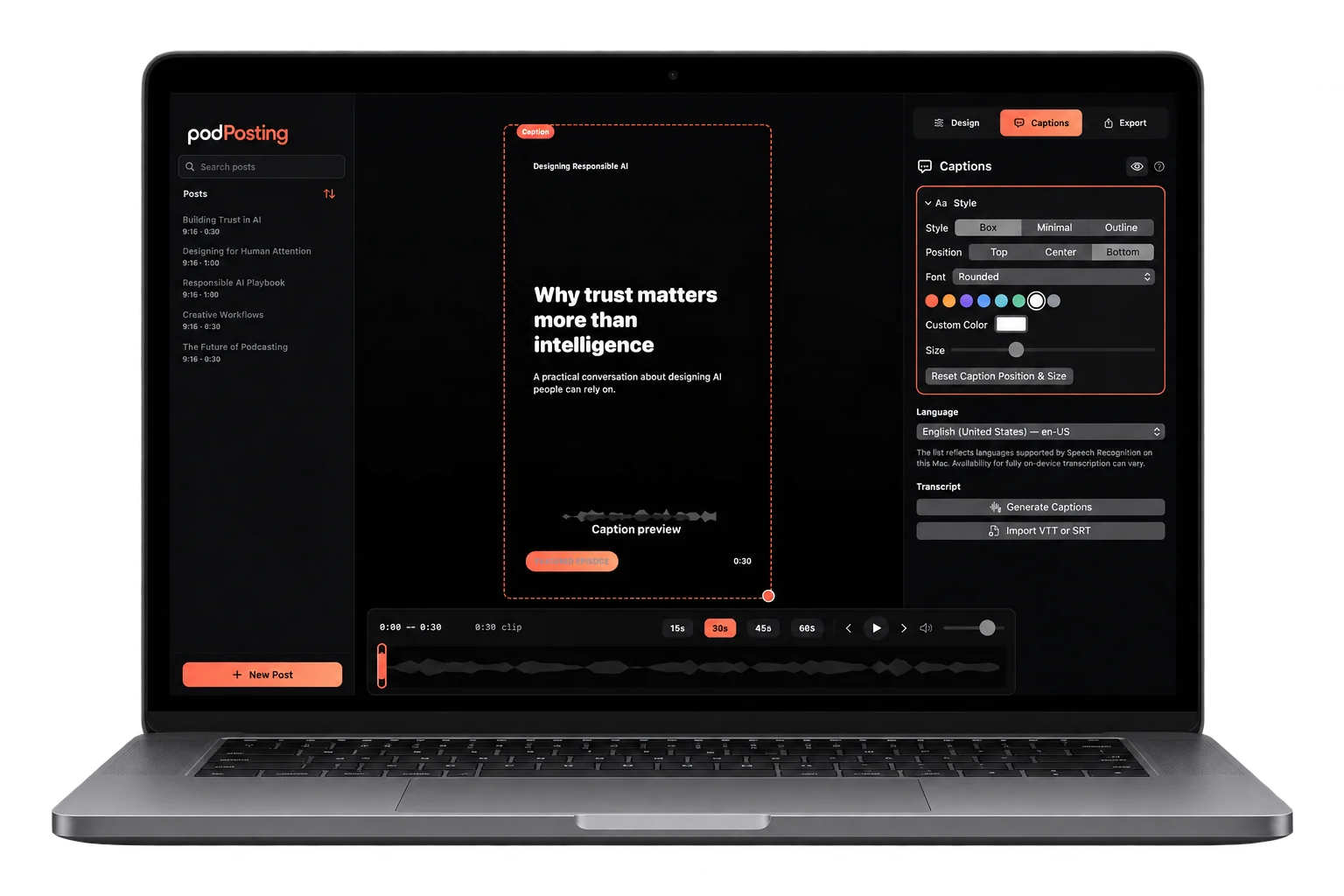
  • Design directly on the canvas.Move and resize text, images, and audio-reactive waveforms.
  • Put your words on screen.Generate captions, edit text and timing, or import SRT and VTT files.
  • Keep every idea within reach.Automatic project saving and a searchable library.
PodPosting Studio running on a MacBook, with caption and design controls