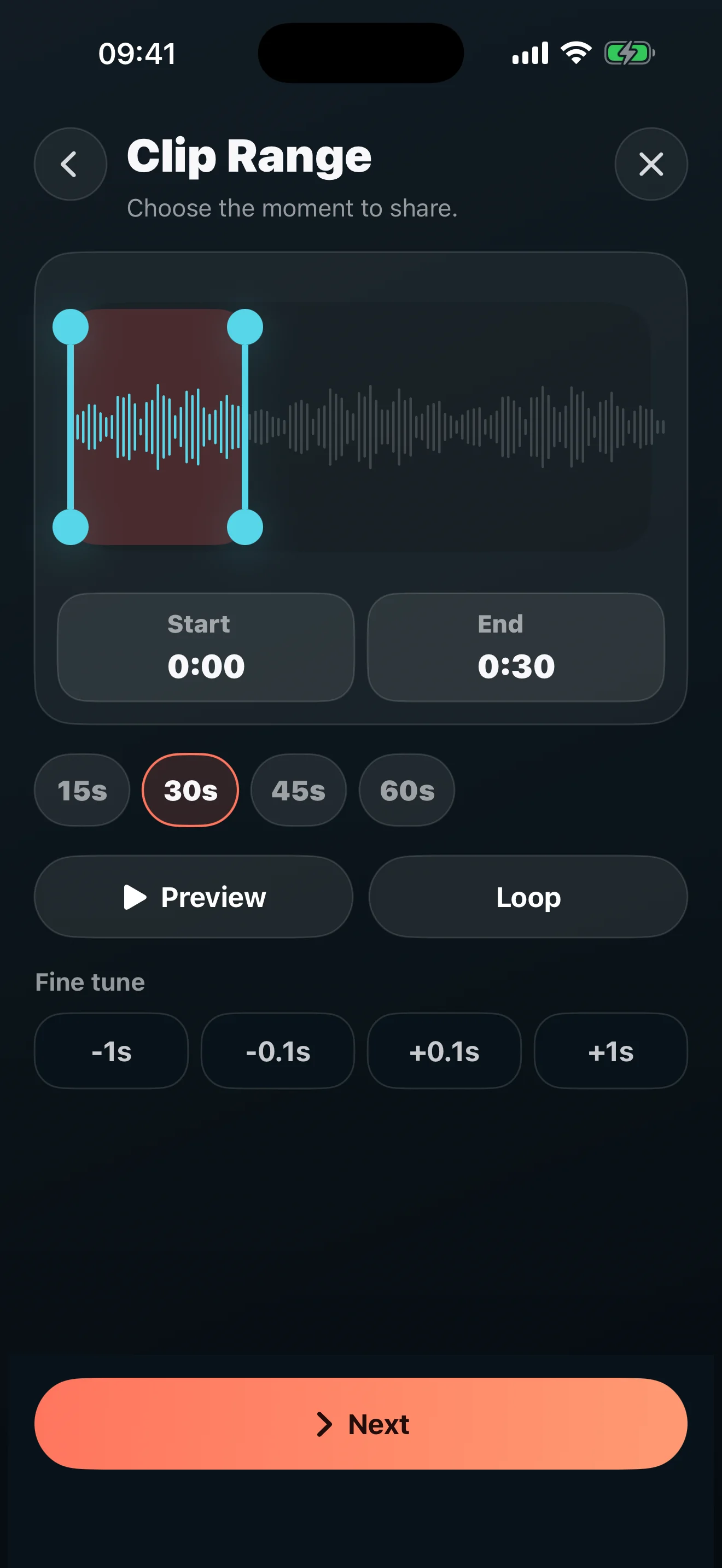
Start with the good part.
Create an audiogram from one great moment.
Import MP3, M4A, WAV, or AAC. Choose a 15–60 second moment, preview it, and fine-tune your clip.

PODPOSTING · IPHONE & IPAD
Turn a podcast moment into a styled audiogram and social video.
Pay once. Create forever. No subscription.
A separate app, built for iPhone and iPad. Meet PodPosting Studio.
Start with the good part.
Import MP3, M4A, WAV, or AAC. Choose a 15–60 second moment, preview it, and fine-tune your clip.
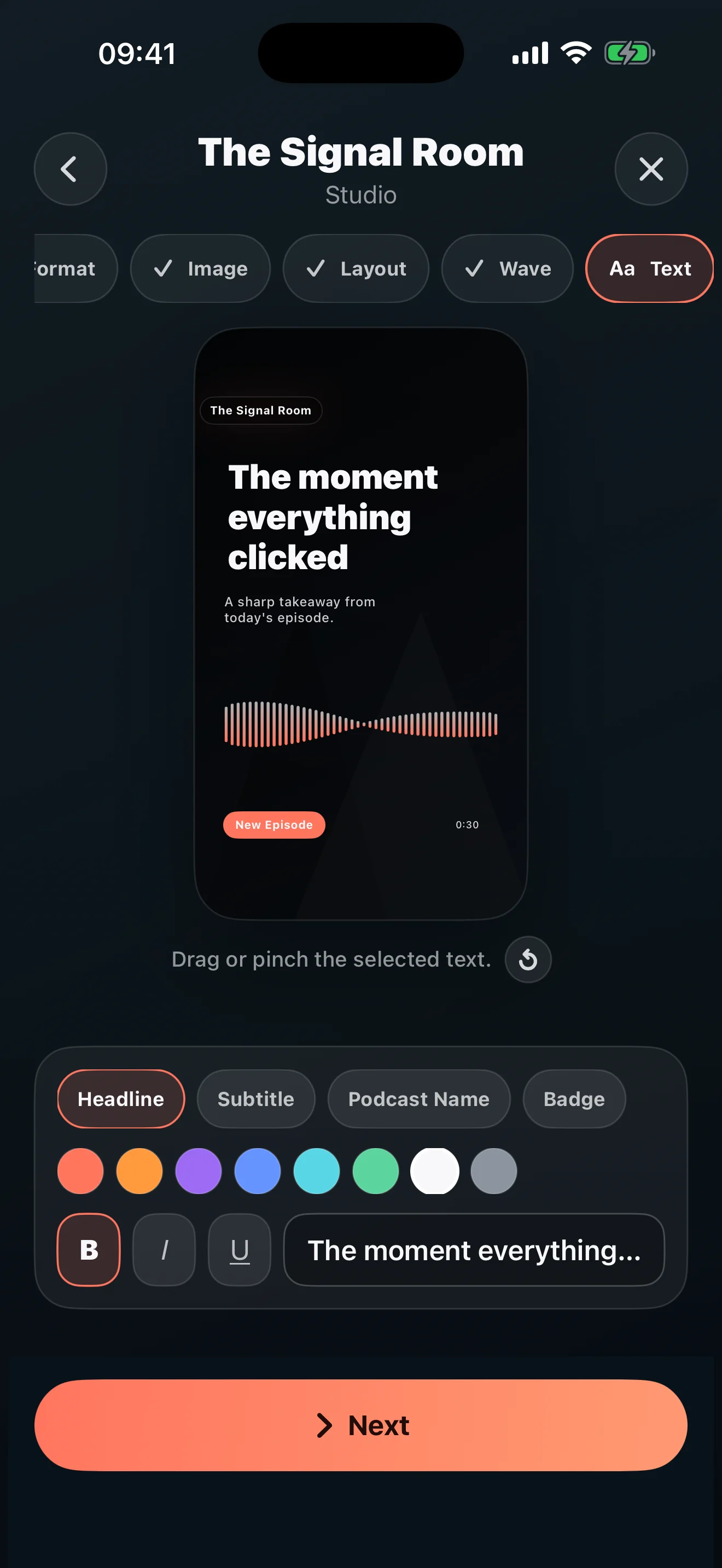
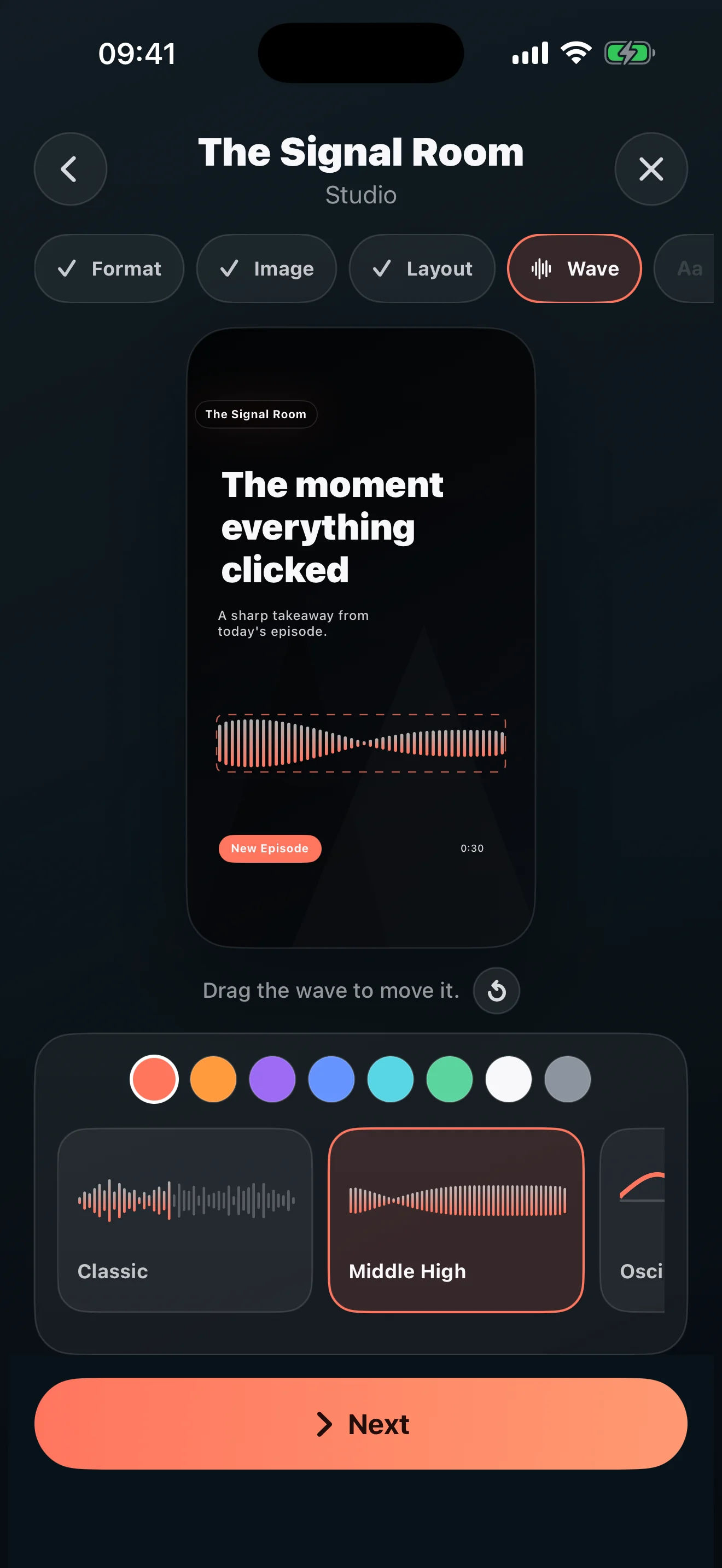
Give your voice a look.
Add a headline, subtitle, podcast name, and badge. Style the background and audio-reactive waveform. Choose a vertical, feed, or square post.
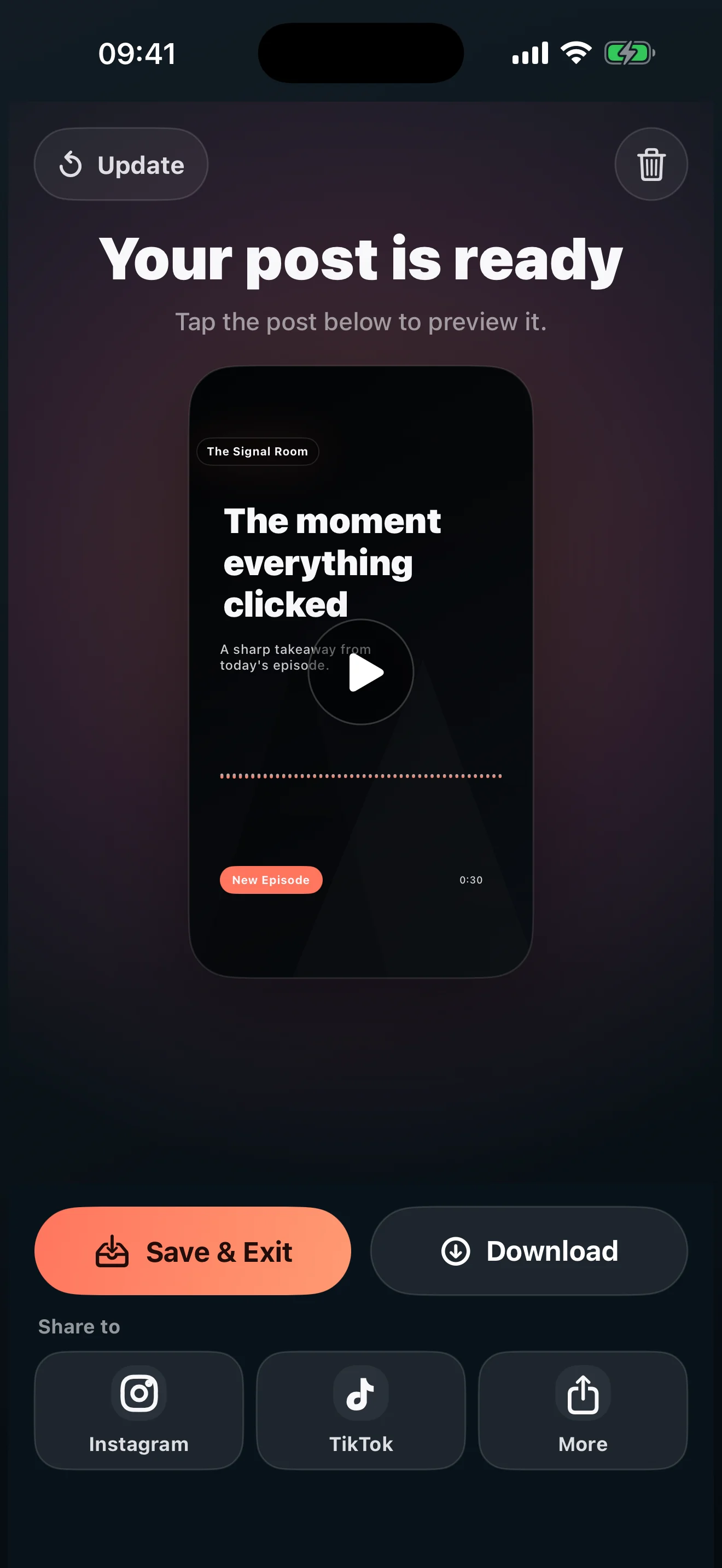
From your phone to their feed.
Preview your post and export a video for Reels, TikTok, YouTube Shorts, or your feed. Saved projects let you return and create another post.
A one-time purchase for the app you choose. No recurring fees.
PodPosting and PodPosting Studio are sold separately on the App Store.
PodPosting is the iPhone and iPad app. Explore PodPosting Studio for Mac